Kami 0.8 adds Snowflake, a managed Node and JavaScript debugging

A whole IDE.
None of the weight.

Kami is a native macOS IDE written in Rust. Language intelligence, git, a debugger, a database client and Claude, in a window that’s ready in 90 milliseconds.

Download for macOS

Version 0.8.0 for macOS 13 or later, on Apple silicon and Intel

Kami editing its own Rust source, with the command palette open over the editor listing commands and their shortcuts.

Open a project.
Start typing.

No indexing pass, no “dumb mode”, no progress bar between you and the code. Structure comes from tree-sitter and meaning from your language server, and both start the moment a file needs them.

0ms

Cold start, launch to a window you can type in.

Idle memory
80MB

Before language servers. The budget is 250 MB.

Scrolling
118fps

On ProMotion displays, with a 9 ms p95 frame.

Files indexed
0

A 100,000-file repository is usable in under a second.

Every budget runs in CI. A change that breaks one fails the build.

Every action is one keystroke away.

Files, symbols, commands, run configurations and git all live in one list behind ⌘K. Panels are there when you want them, the palette is how you get around.

    This one is live. Try “git”, “zen” or “0.6”. Everything under This page works right here, and Pages and Releases take you there.

    Everything you kept IntelliJ open for.

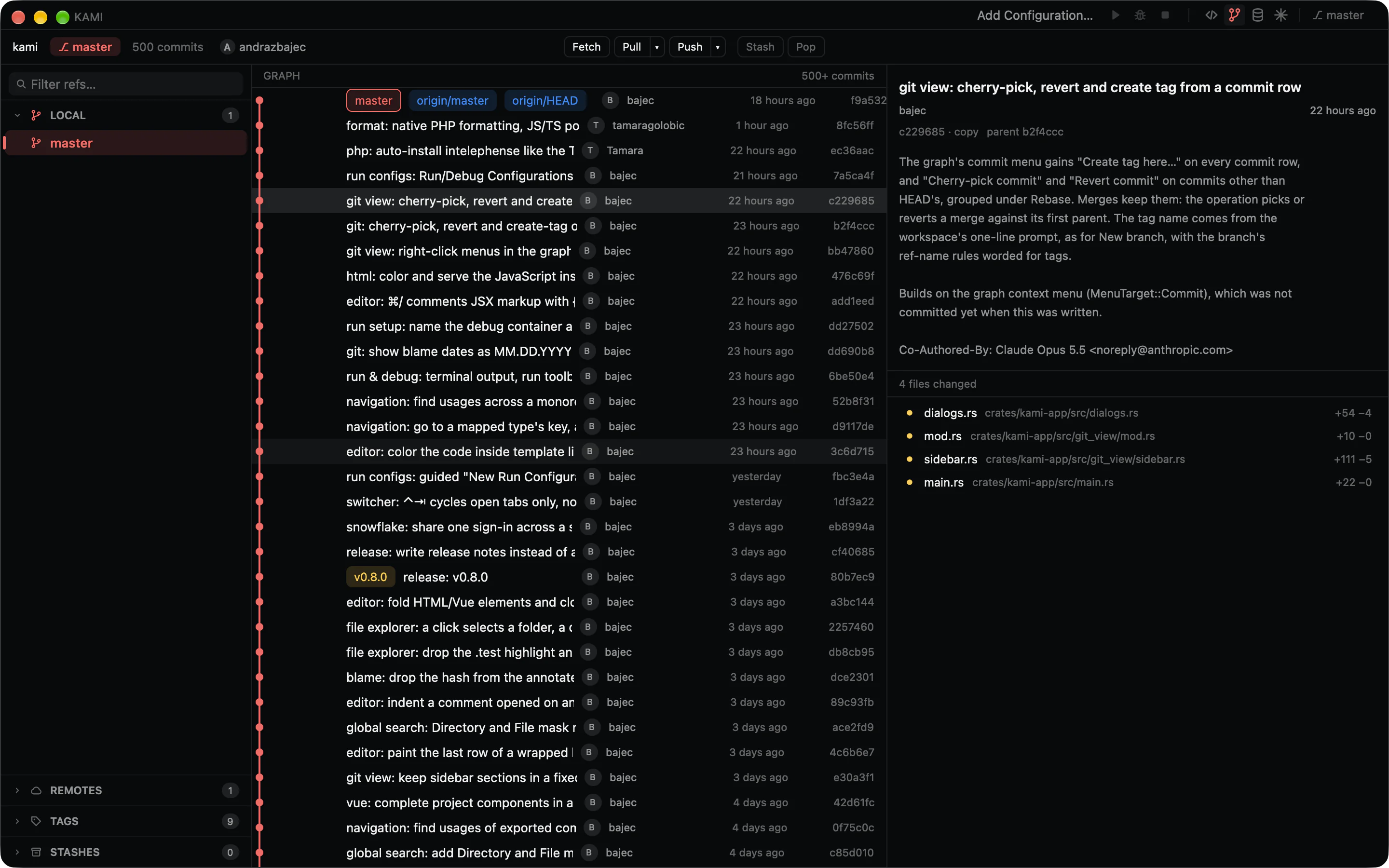
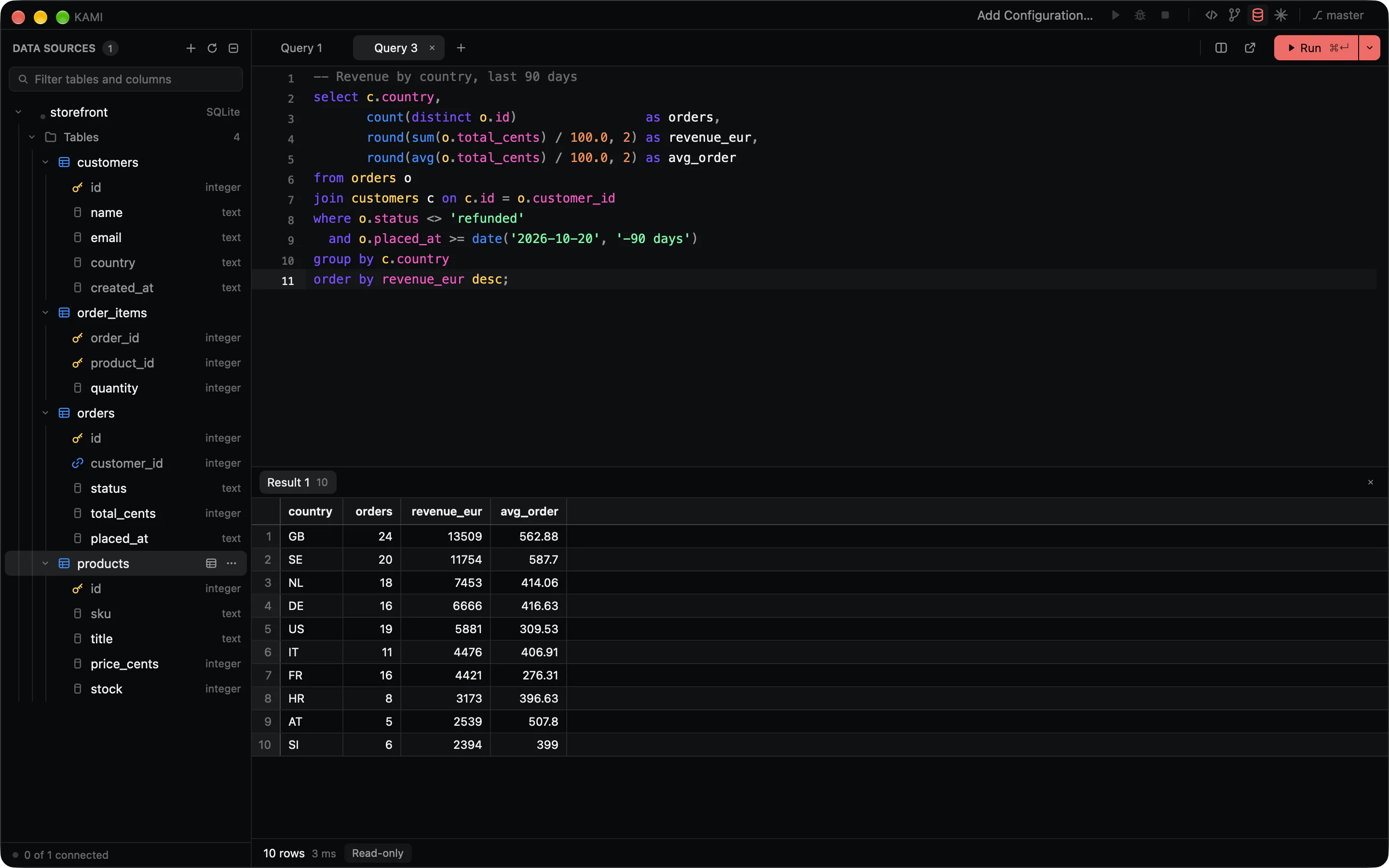
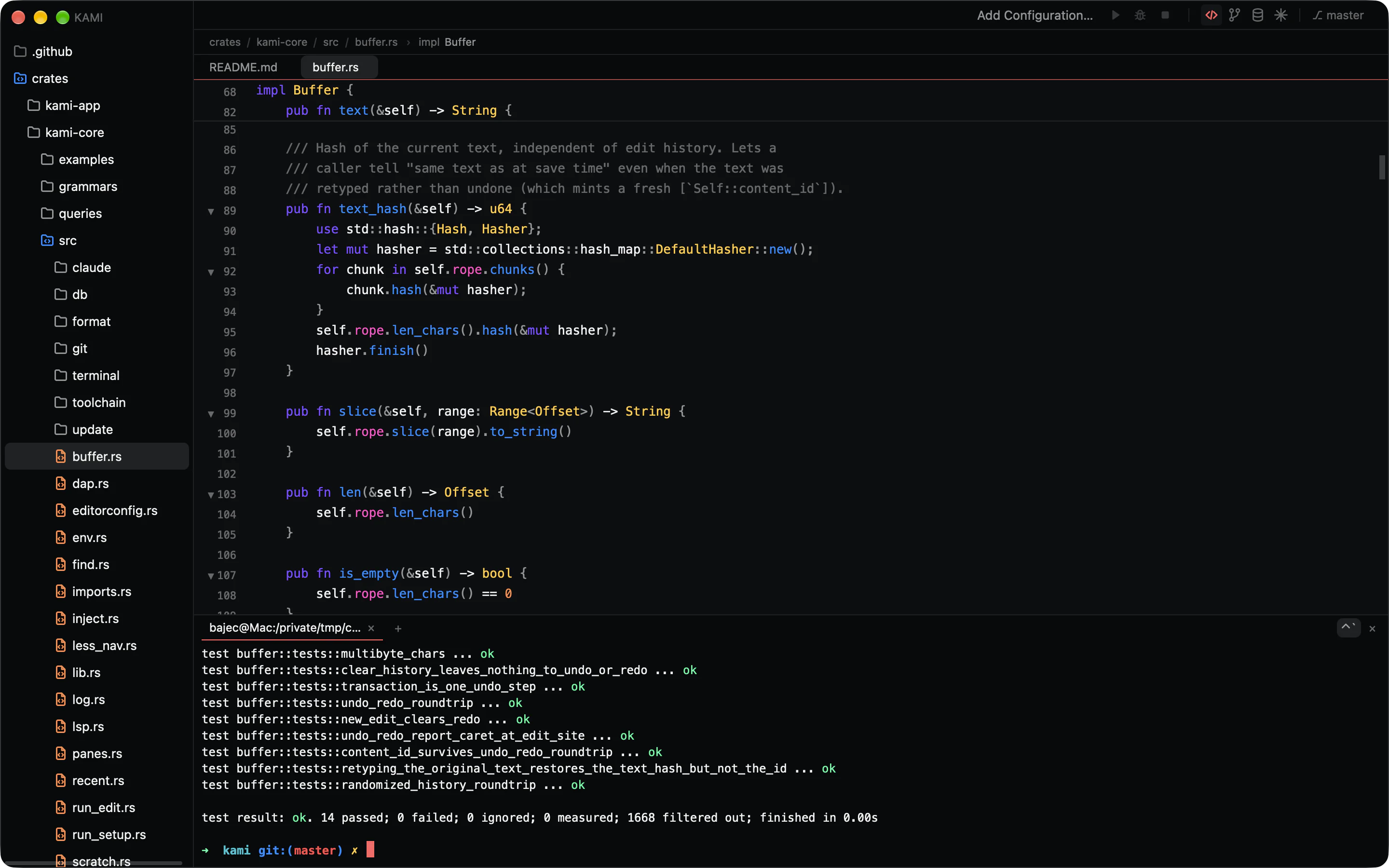
    Git, a debugger, a database client, a real terminal. The reasons people leave a heavy IDE running in the background are built in, and they open as fast as the editor does.

    Every feature, surface by surface

    An editor that knows the shape of your code.

    • Highlighting for 32 languages from tree-sitter, with folding, sticky scope headers and breadcrumbs.
    • Completions that add the import, hover, go to definition, find usages and rename across files.
    • Quick fixes behind one shortcut, inlay hints, and unused code dimmed as you type.
    • A native formatter shaped after IntelliJ’s. Import your .idea code style and keep it.
    • Split a file and edit it in both panes at once.

    ⌥↵ Quick fix⇧F6 Rename⌥⌘L Reformat
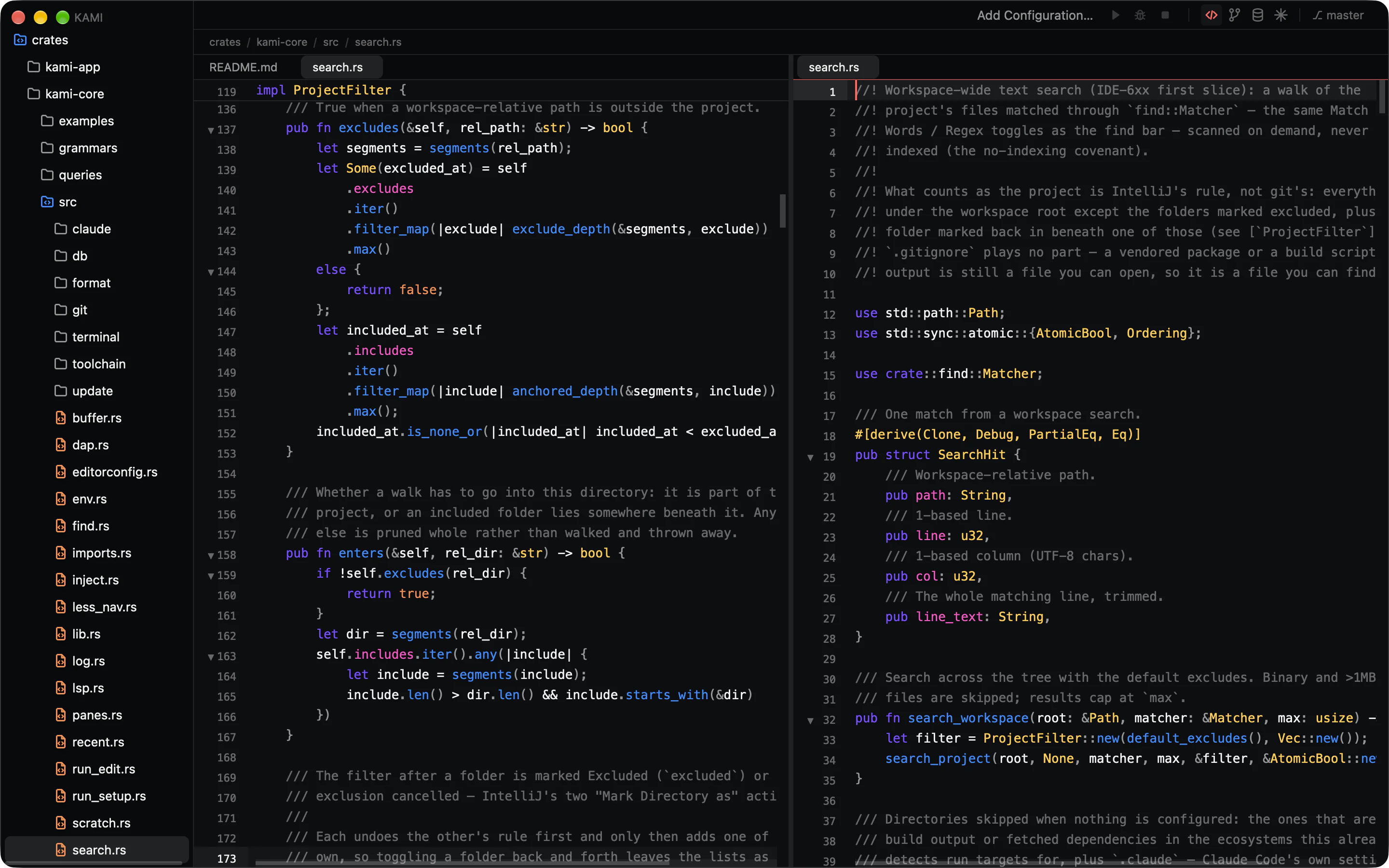
    The Kami editor split in two panes on the same Rust file, with a sticky scope header and folding chevrons.

    What’s new in 0.8

    Snowflake support
    Add a Snowflake data source, sign in through your browser with SSO, and browse its schemas.
    Managed Node and TypeScript toolchain
    Kami can install its own Node and the TypeScript server, so language features work without a system Node. Manage it from the new Node section on the Languages settings tab.
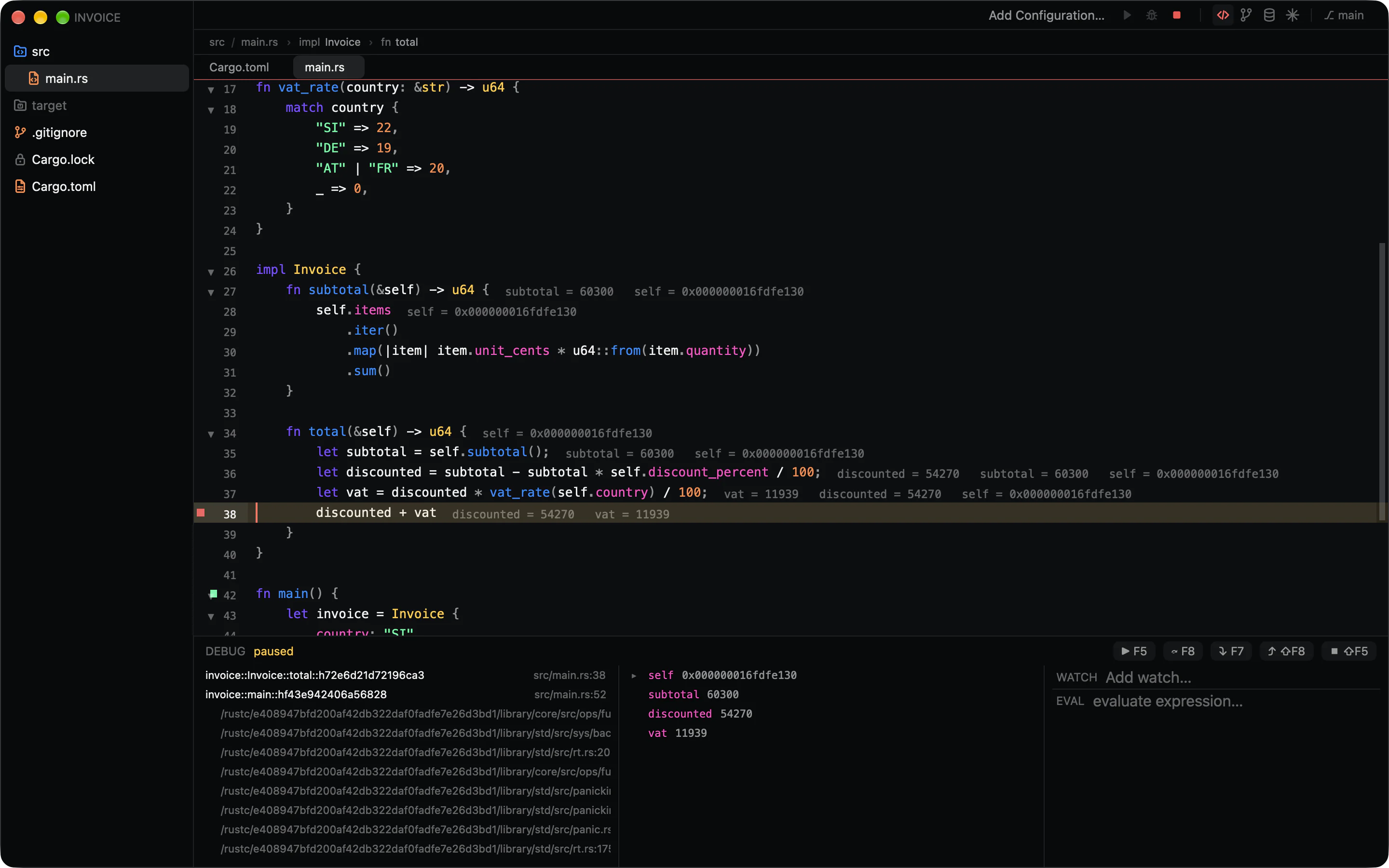
    JavaScript debugging
    Attach the debugger to a run configuration.
    HTML and Vue editing
    Fold elements, expand an open tag on Enter, and close a tag when you type </.

    Quiet by default.

    One request a day

    The update check is a plain GET for a public file, with no query string and no identifiers. The version comparison happens on your Mac. Set "check": false and nothing is requested at all.

    Your credentials stay yours

    Claude signs in through its own CLI. Database passwords live in your login keychain. Kami never stores, requests or proxies an account.

    Settings in plain files

    Layered JSONC in ~/.config/kami and your workspace, hot-reloaded. Run configurations go in one file you can commit for the team.

    Start in 90 milliseconds.

    Download Kami for macOS

    Universal app, signed and notarized. Updates itself when you say so.